
One story.A relevant version for every viewer.
Expose names, offers, products, media and calls to action as typed inputs without giving up motion or creative quality.
Change what makes it relevant.Protect everything else.
Personalized video in JsonCut fills a reviewed video template with audience or account data and renders a traceable output for each recipient.
Personalize what matters
Expose only the values that improve relevance instead of making the entire design fragile.
Keep motion intact
Variables update content while animations, audio and scene timing remain part of the template.
Scale with visibility
Track outputs individually and preserve human-readable failures.
Made in JsonCut.Open one to see the project behind it.
Every title, clip and caption in these is still a layer. Open the project and change whatever you like.
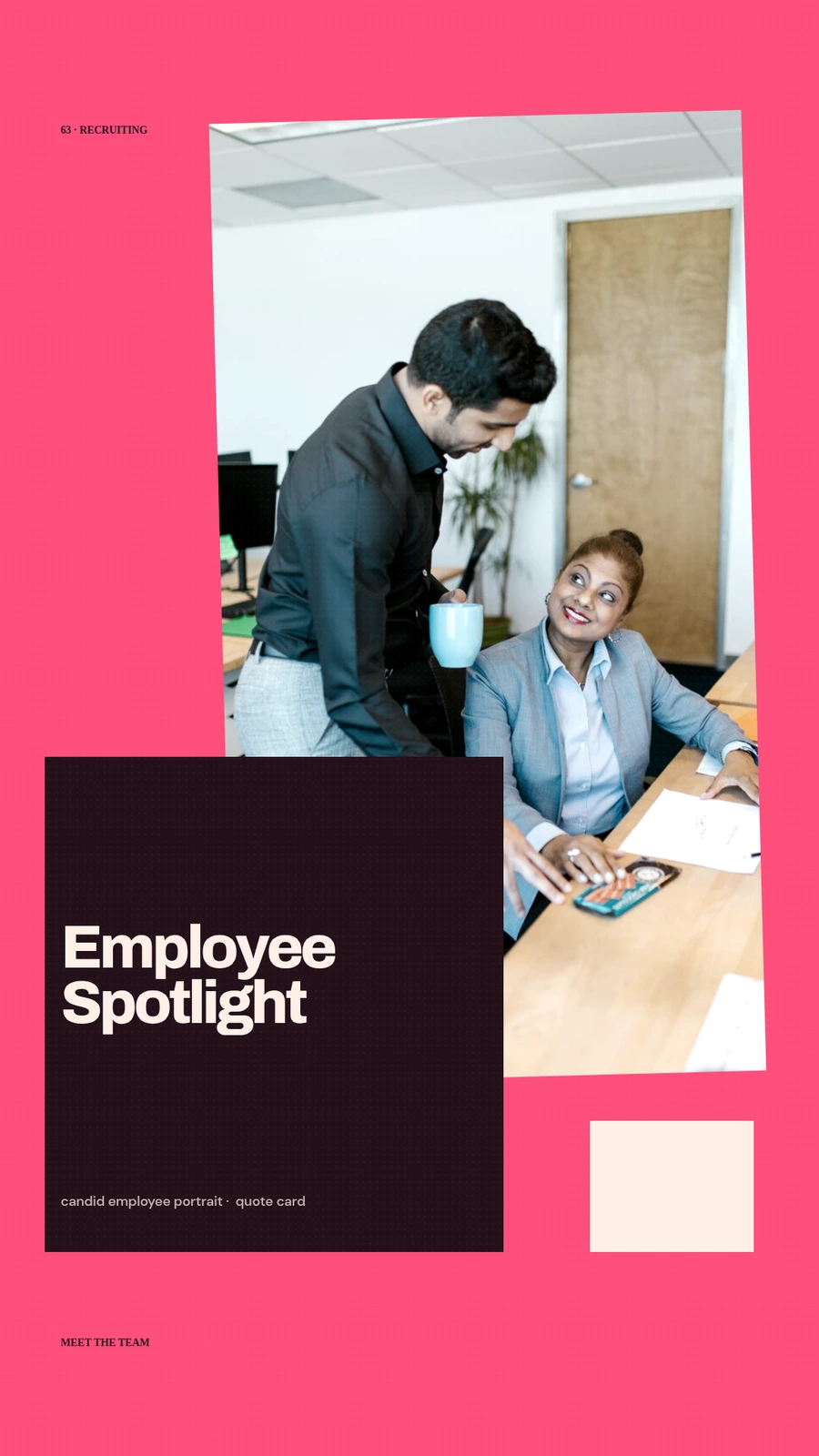
Employee Spotlight Story
Open this example: Employee Spotlight Story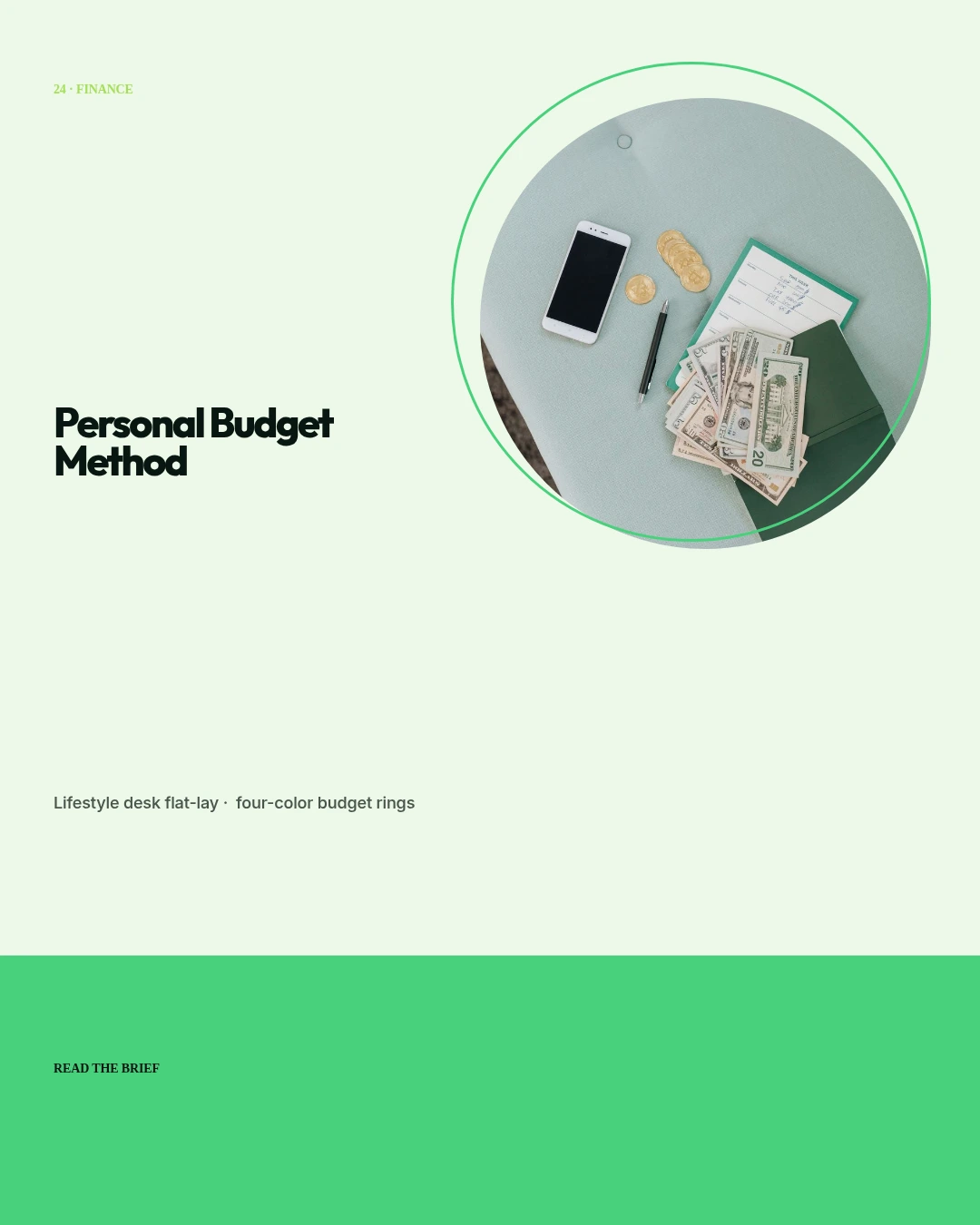
Personal Budget Method
Open this example: Personal Budget Method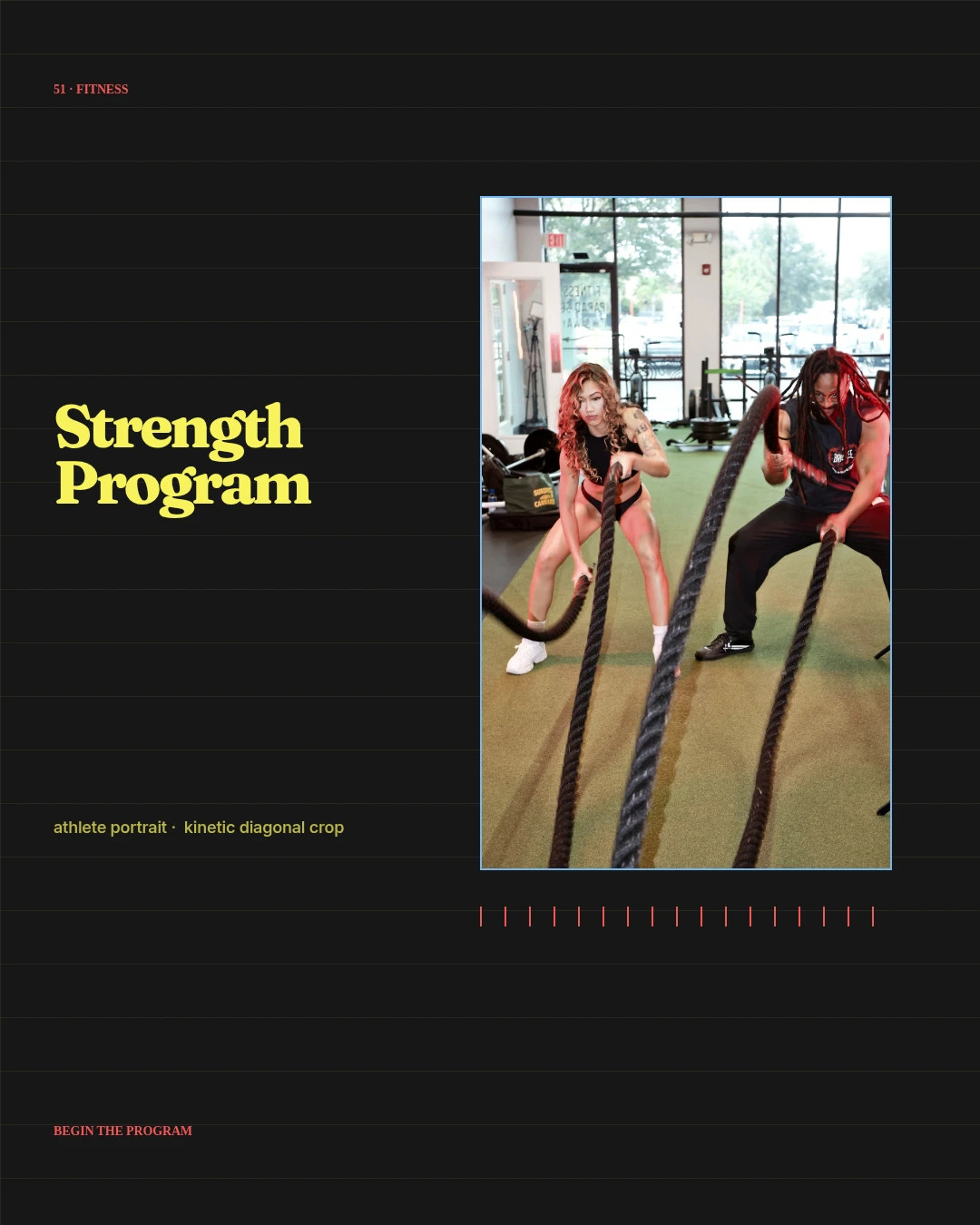
Strength Program Cover
Open this example: Strength Program CoverCreate one strong source.Publish every version.
- Step 1
Create one strong source
Build the visual in Studio, with the assistant, or from an existing project.
- Step 2
Keep the useful structure
Expose variables only where content should change and keep creative decisions editable.
- Step 3
Publish every version
Export by hand or generate through a template, API, MCP or bulk workflow.
What you can make.
- Personalized sales outreach
- Customer onboarding
- Account and event updates
Before you start.The questions we hear most.
Can non-technical users work in JsonCut?
Yes. Studio is the primary visual workflow; API and MCP are additional paths, not prerequisites.
Can developers use the same projects?
Yes. Projects and templates created visually can be inspected and rendered through the API.
Are AI results still editable?
Yes. The assistant works with normal project layers and restorable versions rather than returning a flattened result.