
Custom creative for every client.A repeatable way to deliver it.
Keep the flexibility clients expect while turning recurring deliverables into reusable systems your team can operate quickly.
Keep the creative range.Drop the repeated setup.
JsonCut helps agencies combine bespoke image and motion work with templates, client variables and automated delivery.
Keep work bespoke
Use visual layers, motion, real media and custom blocks where a generic template would fall short.
Reuse the right parts
Save brand kits, components and typed templates without forcing every campaign into one structure.
Hand over clearly
Clients can fill controlled inputs while your team keeps the underlying project editable.
Made in JsonCut.Open one to see the project behind it.
Every title, clip and caption in these is still a layer. Open the project and change whatever you like.
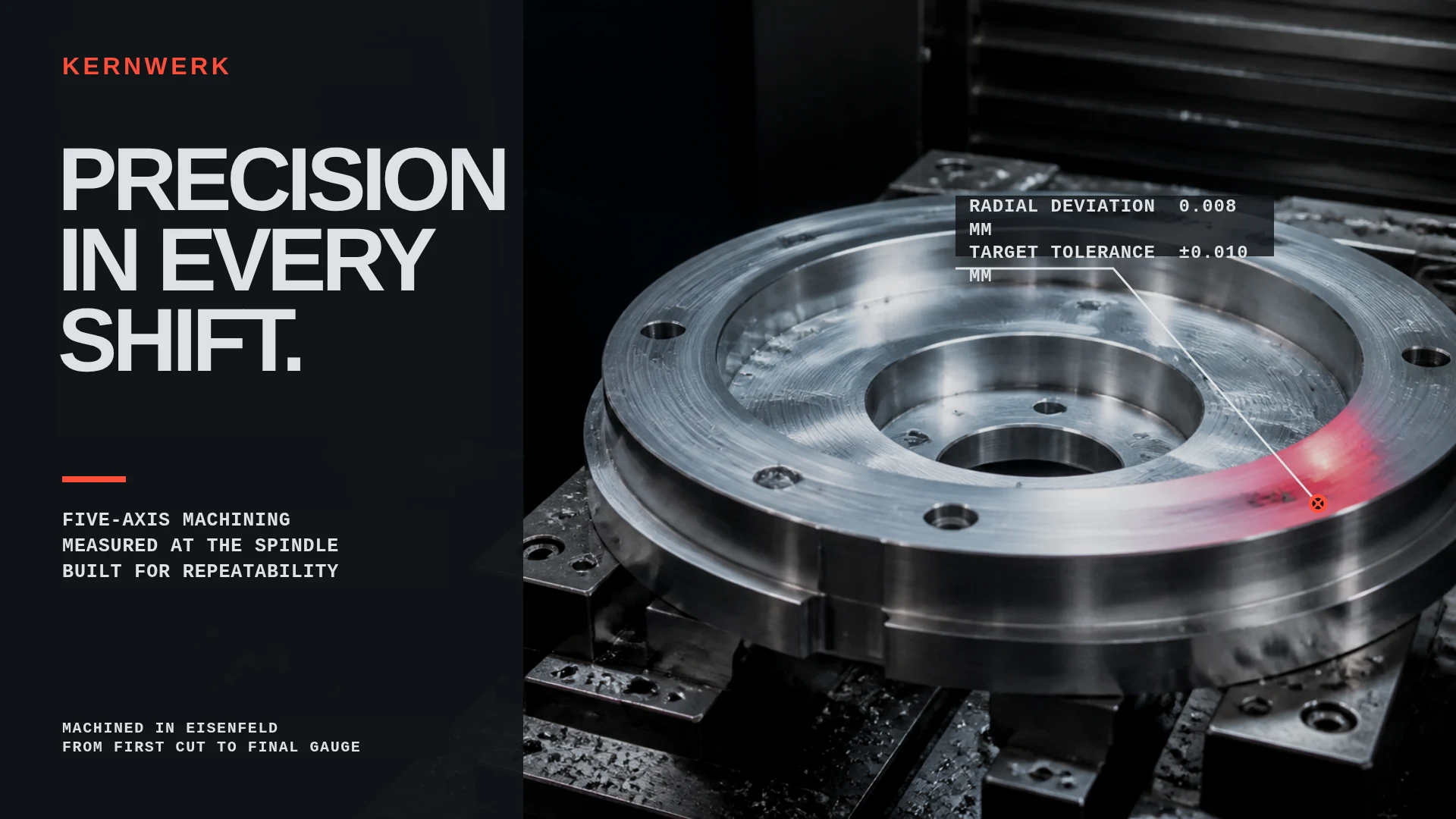
Precision in every shift
Open this example: Precision in every shift
Night Pages · After Hours
Open this example: Night Pages · After Hours
Agency Case Study Cover
Open this example: Agency Case Study CoverBuild the client look.Deliver and keep the master.
- Step 1
Build the client look
Combine the right brand, footage and format instead of forcing a house template.
- Step 2
Package what repeats
Turn recurring requests into clear fields and reusable components.
- Step 3
Deliver and keep the master
Clients fill safe fields while your team keeps the editable project.
What you can make.
- Retainer content systems
- Multi-client campaign production
- Branded template portals
Before you start.The questions we hear most.
Can non-technical users work in JsonCut?
Yes. Studio is the primary visual workflow; API and MCP are additional paths, not prerequisites.
Can developers use the same projects?
Yes. Projects and templates created visually can be inspected and rendered through the API.
Are AI results still editable?
Yes. The assistant works with normal project layers and restorable versions rather than returning a flattened result.