
Make every outreach assetfeel personally prepared.
Reuse approved customer stories, demos and account data to create relevant video and image follow-ups at practical volume.
Start from a trusted story.Make the follow-up relevant.
JsonCut helps sales teams personalize reviewed creative without handing every recipient to a separate editing project.
Use the real account context
Bind names, company details, use cases and calls to action as typed inputs.
Keep the story polished
Personalization changes content while motion, hierarchy and timing stay approved.
Create one or many
Export a high-value asset by hand or use bulk for event and campaign lists.
Made in JsonCut.Open one to see the project behind it.
Every title, clip and caption in these is still a layer. Open the project and change whatever you like.
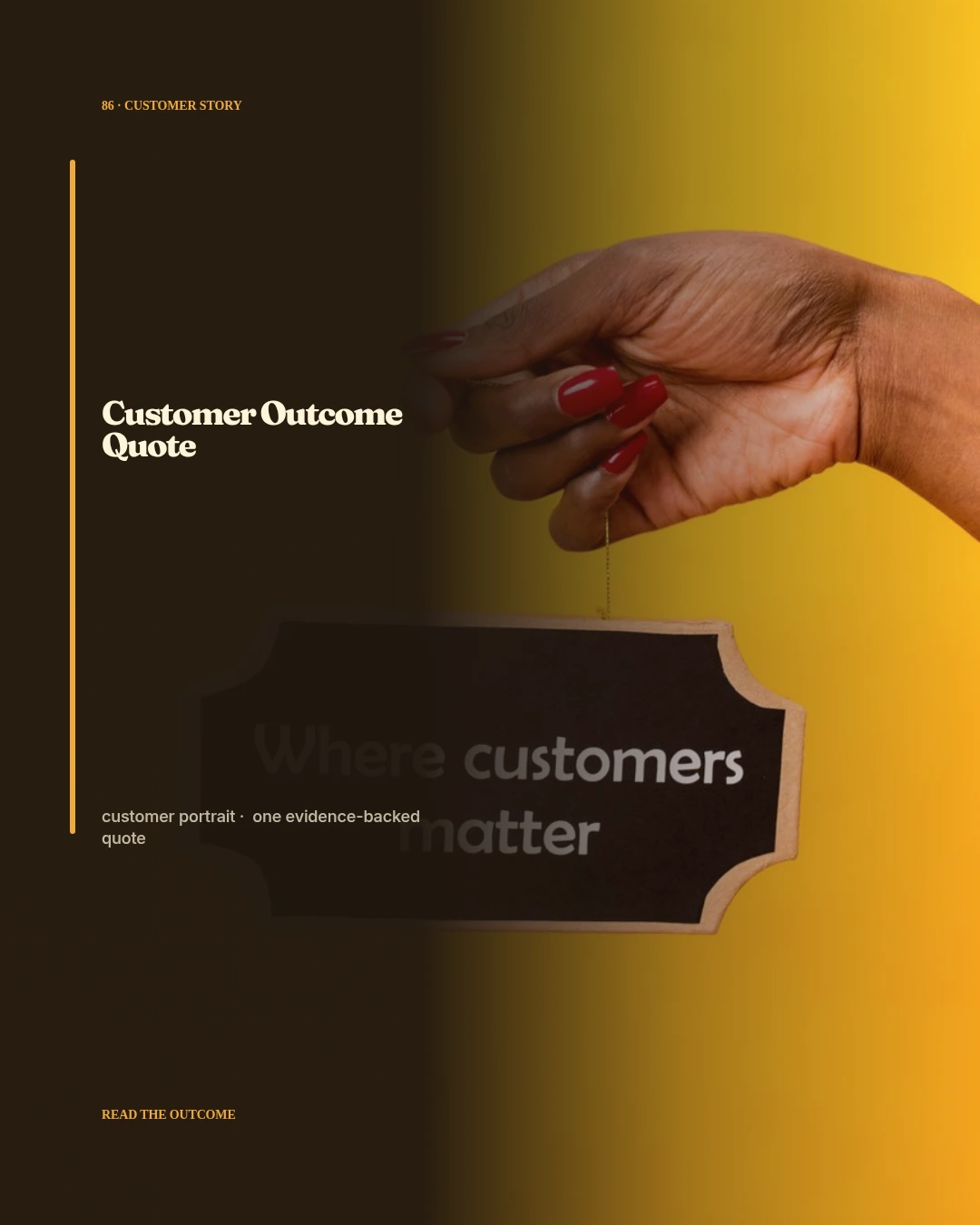
Customer Outcome Quote
Open this example: Customer Outcome Quote
Support Resolution Recap
Open this example: Support Resolution Recap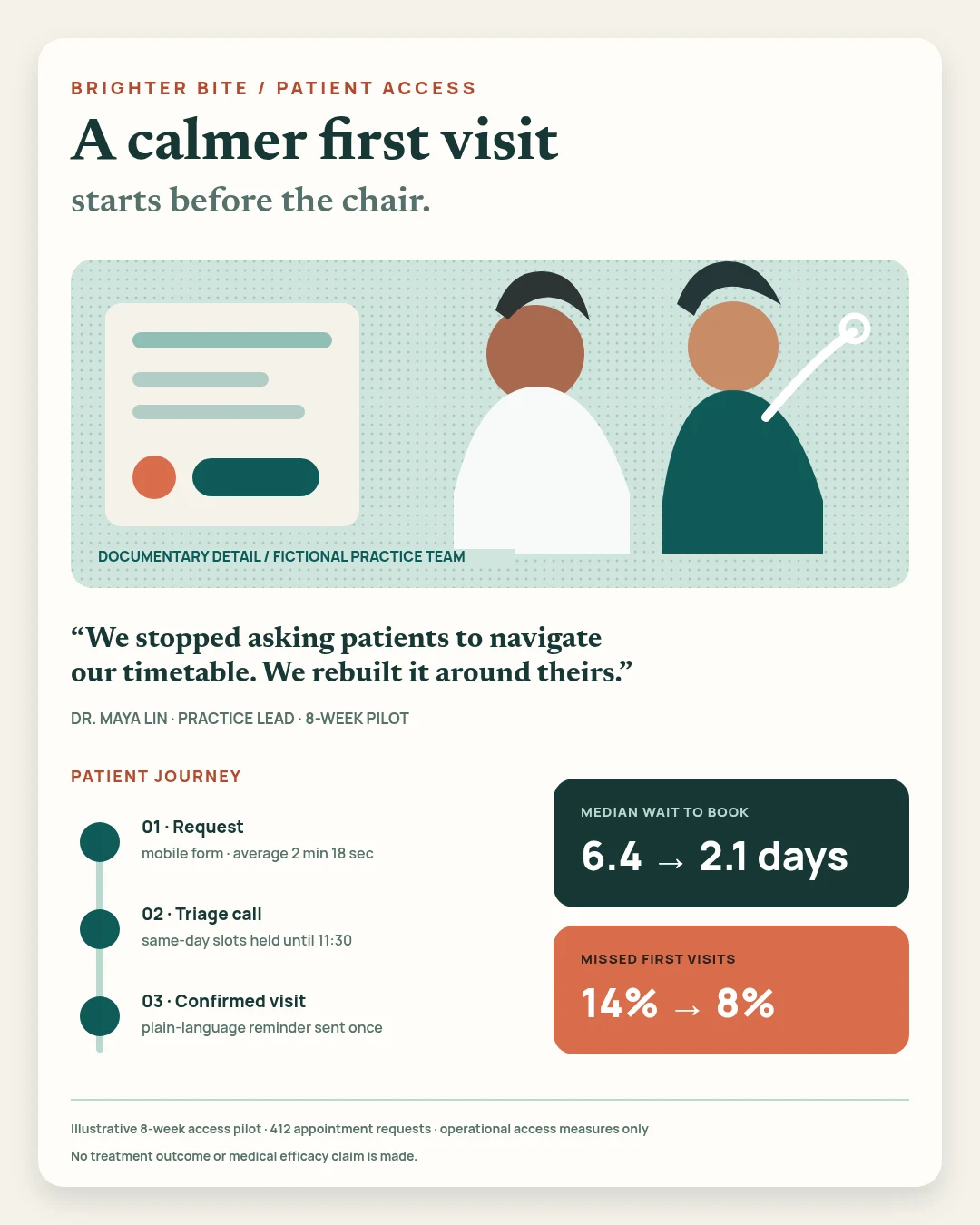
Brighter Bite patient access
Open this example: Brighter Bite patient accessChoose the right proof.Send one or many.
- Step 1
Choose the right proof
Start with the customer result or demo that matches the account.
- Step 2
Add the account details
Fill names, use cases and calls to action through set fields.
- Step 3
Send one or many
Create a single follow-up by hand or a batch after an event.
What you can make.
- Personalized outreach
- Account onboarding video
- Event follow-up assets
Before you start.The questions we hear most.
Can we start without an API integration?
Yes. Start visually in Studio and add templates or automation after the format proves useful.
Can the team still change automated projects?
Yes. The same structured project opens in Studio, where layers, timing, media and variables remain editable.
Can AI help without flattening the result?
Yes. AI Director works with normal project layers and reviewable versions.