
Show the workflow.Make the value immediate.
Create product launches, UI explainers, onboarding media and personalized updates from one editable source.
Show the interface working.One idea at a time.
JsonCut helps SaaS teams turn interface and product stories into reusable image and video systems.
Compose real interface stories
Combine captures, device frames and editable UI motion.
Explain complex value clearly
Use scenes, callouts and narration to reveal one idea at a time.
Reuse across the lifecycle
Adapt launches into onboarding, education and account-specific updates.
Made in JsonCut.Open one to see the project behind it.
Every title, clip and caption in these is still a layer. Open the project and change whatever you like.
Cvora · Pro pricing promo
Open this example: Cvora · Pro pricing promo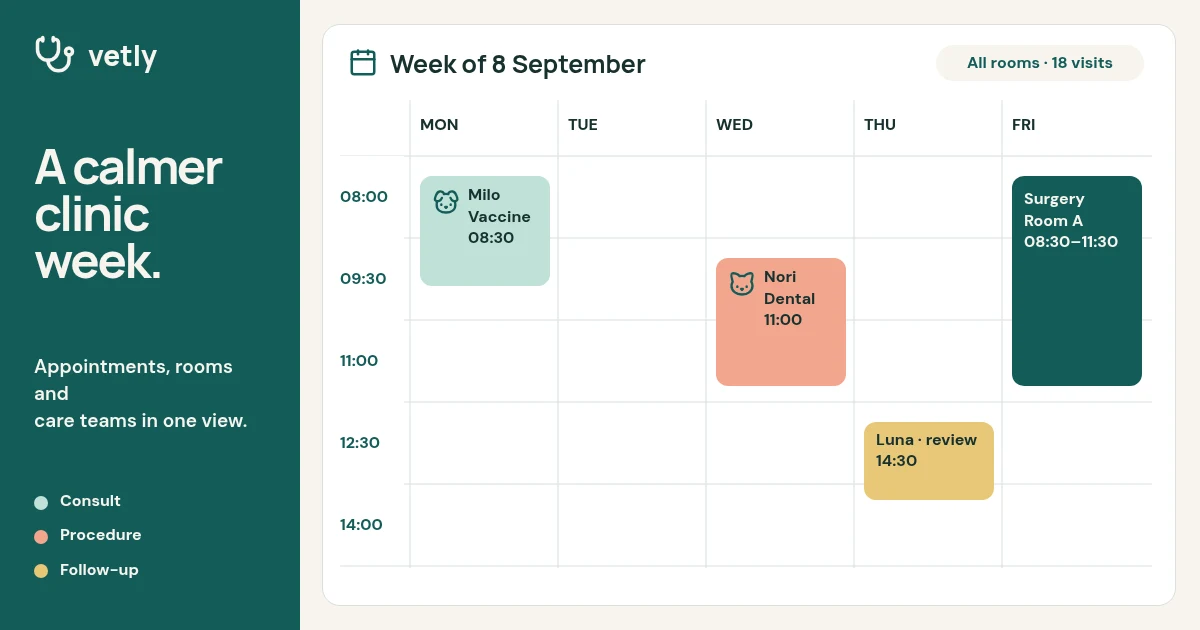
Vetly clinic scheduling launch
Open this example: Vetly clinic scheduling launch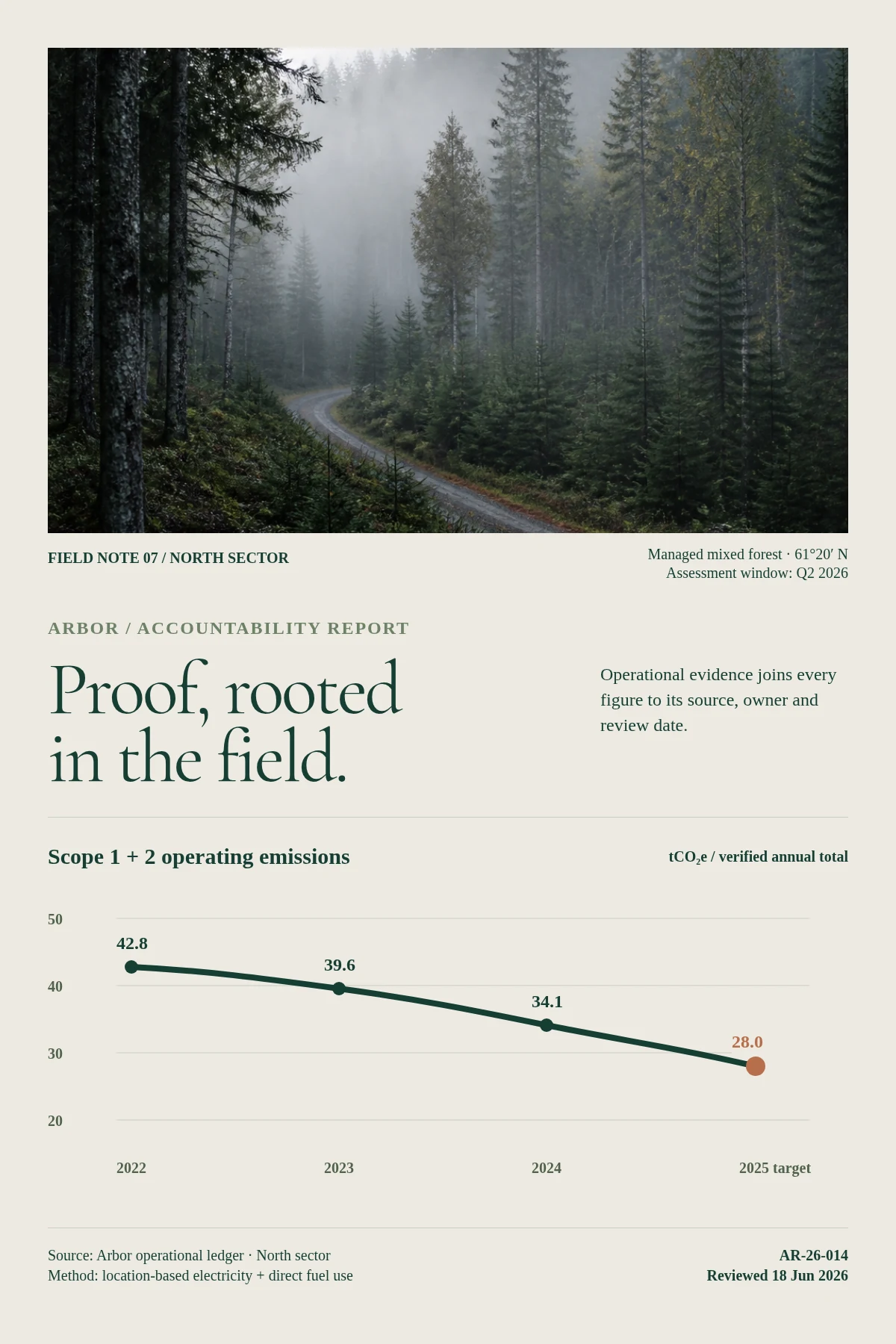
Arbor compliance workspace
Open this example: Arbor compliance workspaceStart from the team goal.Reuse the right parts.
- Step 1
Start from the team goal
Choose the output and channel before deciding how much automation the workflow needs.
- Step 2
Build one approved source
Create visually or with AI and keep brand, media, motion and review in the same project.
- Step 3
Reuse the right parts
Export directly or expose inputs for repeatable work across campaigns, customers and channels.
What you can make.
- Feature launch videos
- Onboarding media
- Customer recap systems
Before you start.The questions we hear most.
Can we start without an API integration?
Yes. Start visually in Studio and add templates or automation after the format proves useful.
Can the team still change automated projects?
Yes. The same structured project opens in Studio, where layers, timing, media and variables remain editable.
Can AI help without flattening the result?
Yes. AI Director works with normal project layers and reviewable versions.