
From vehicle data tocampaign-ready media.
Combine inventory photography, detail clips, pricing and features in reusable image and video compositions.
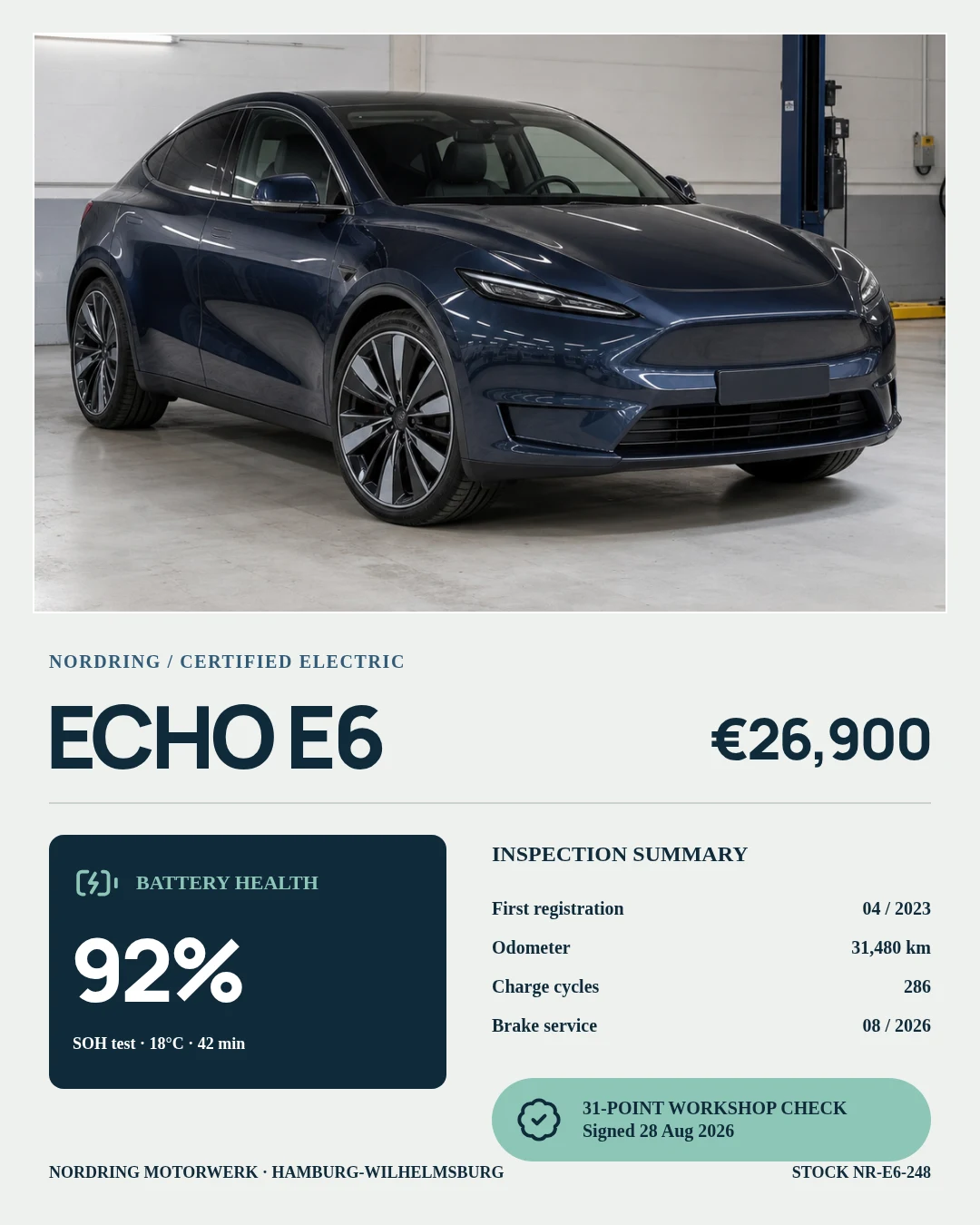
Show the actual car.Update model, price and mileage per listing.
JsonCut helps automotive teams create editable media systems for inventory, model launches and offers.
Frame real inventory
Use actual vehicle media inside polished, brand-consistent layouts.
Update every detail
Bind model, trim, price, mileage and availability as validated fields.
Generate channel variants
Adapt the same campaign for listings, social, display and email.
Made in JsonCut.Open one to see the project behind it.
Every title, clip and caption in these is still a layer. Open the project and change whatever you like.
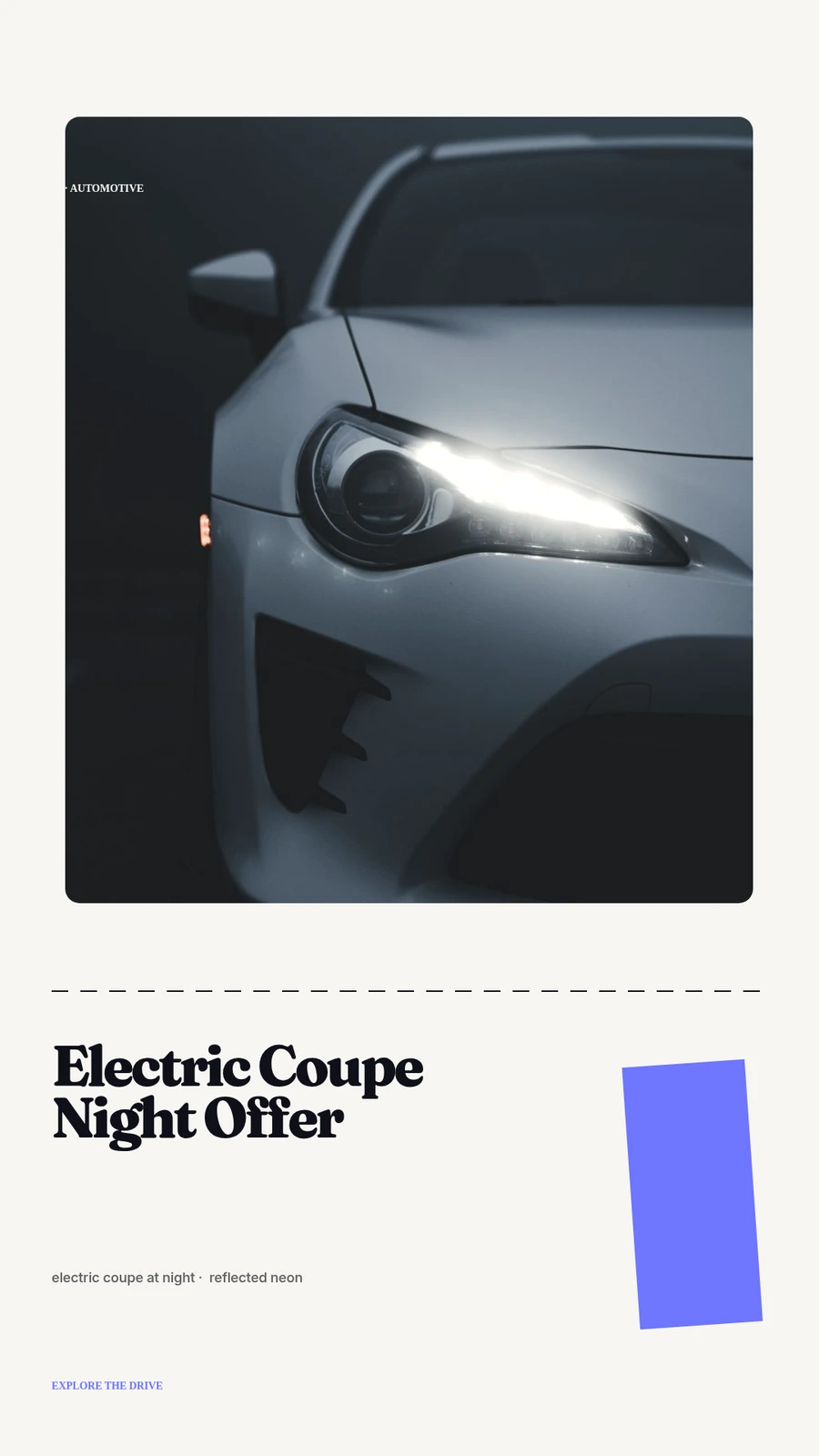
Electric Coupe Night Offer
Open this example: Electric Coupe Night Offer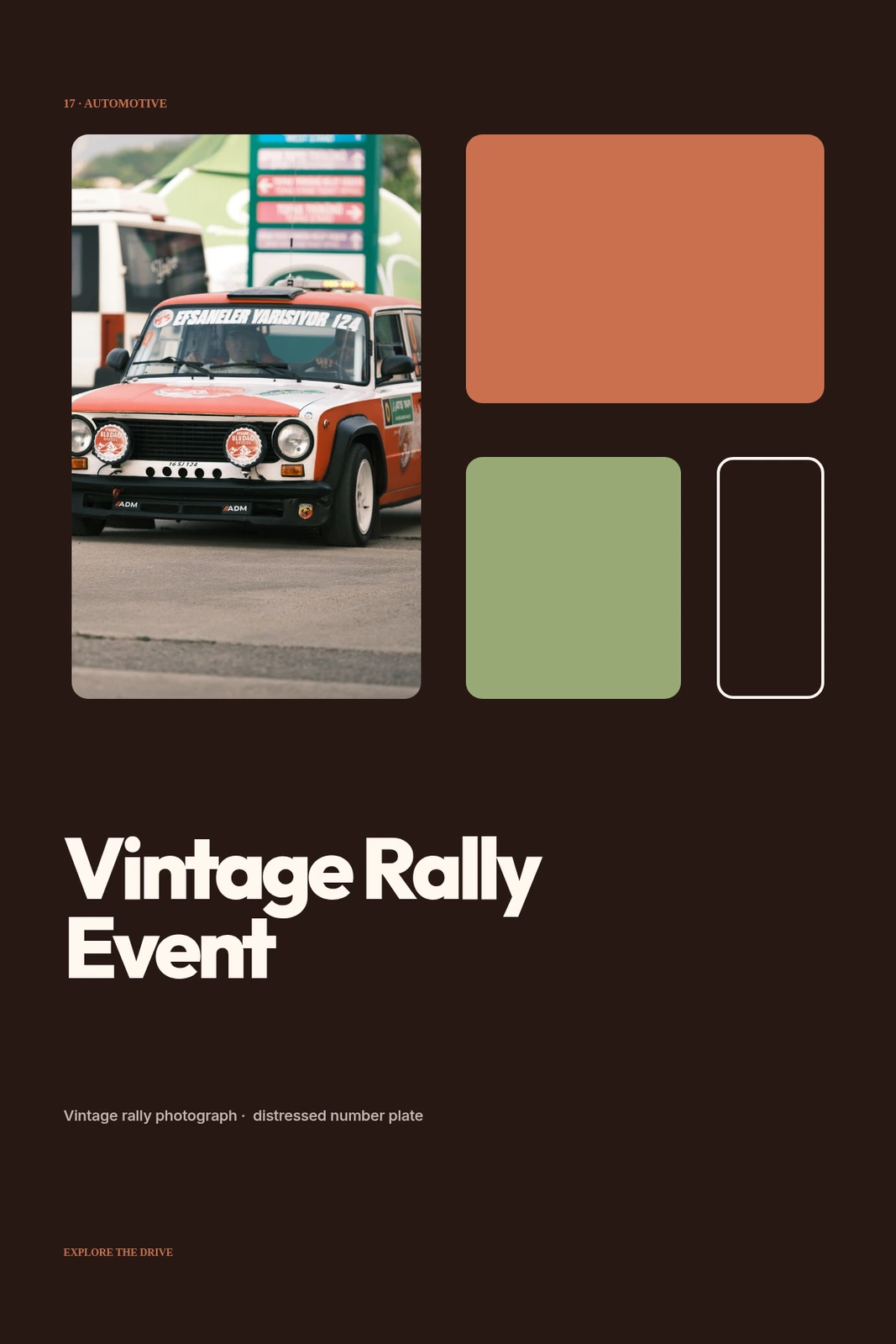
Vintage Rally Event
Open this example: Vintage Rally Event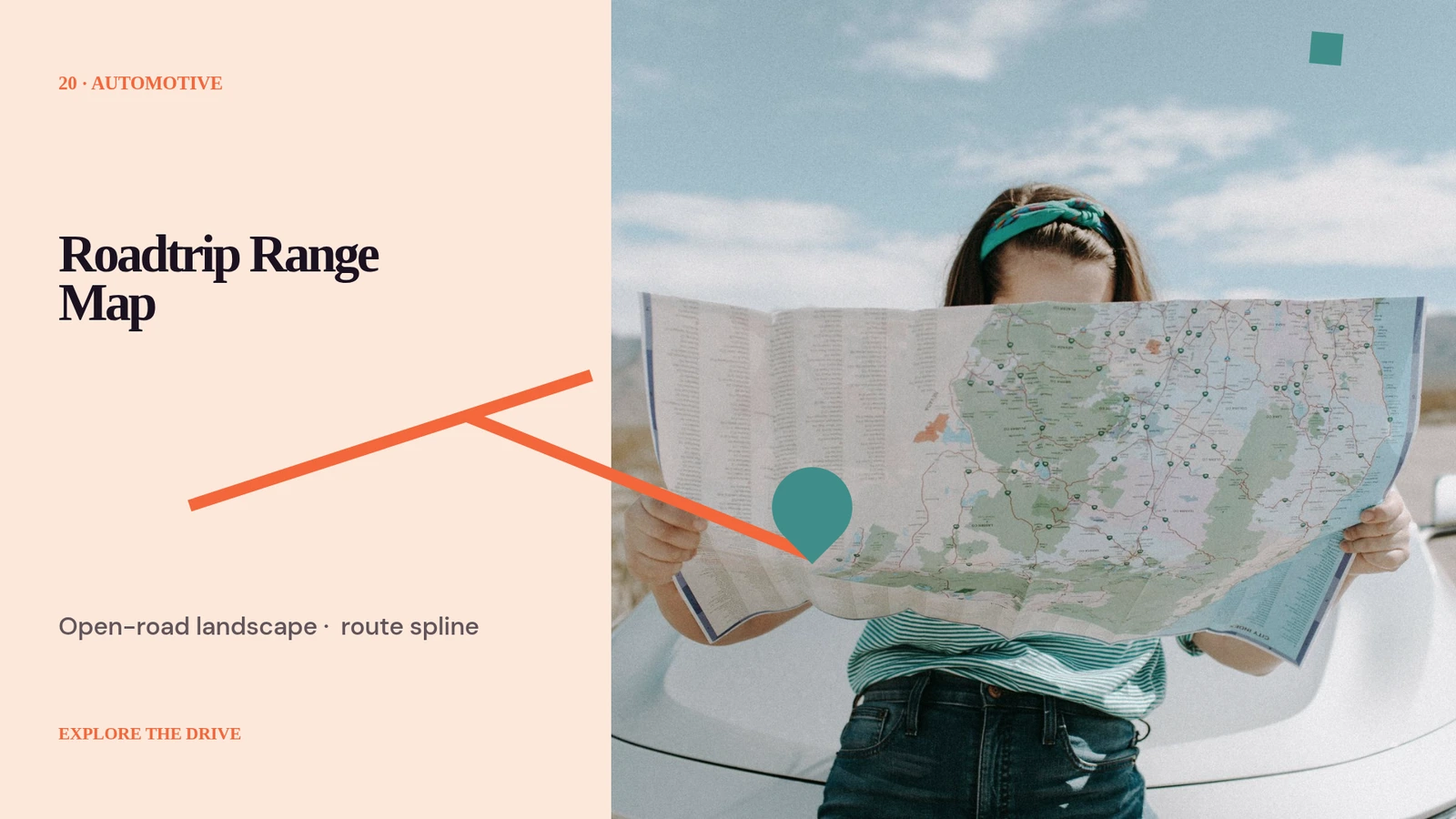
Roadtrip Range Map
Open this example: Roadtrip Range MapCreate one strong source.Publish every version.
- Step 1
Create one strong source
Build the visual in Studio, with the assistant, or from an existing project.
- Step 2
Keep the useful structure
Expose variables only where content should change and keep creative decisions editable.
- Step 3
Publish every version
Export by hand or generate through a template, API, MCP or bulk workflow.
What you can make.
- Inventory videos
- Model launch creative
- Dealer campaign variants
Before you start.The questions we hear most.
Can non-technical users work in JsonCut?
Yes. Studio is the primary visual workflow; API and MCP are additional paths, not prerequisites.
Can developers use the same projects?
Yes. Projects and templates created visually can be inspected and rendered through the API.
Are AI results still editable?
Yes. The assistant works with normal project layers and restorable versions rather than returning a flattened result.