
One campaign idea.Every format the feed needs.
Create vertical video, square posts, thumbnails and captioned clips without rebuilding the design for every publishing surface.
Create for the channel.Reuse the series look.
JsonCut connects social-first image and video creation with reusable formats, captions and controlled content variants.
Build for the format
Use real portrait, square and landscape compositions rather than relying on blind resizing.
Make spoken content readable
Generate and style editable caption tracks for short-form viewing.
Keep recurring series consistent
Reuse brand, layout and timing while changing the episode content.
Made in JsonCut.Open one to see the project behind it.
Every title, clip and caption in these is still a layer. Open the project and change whatever you like.
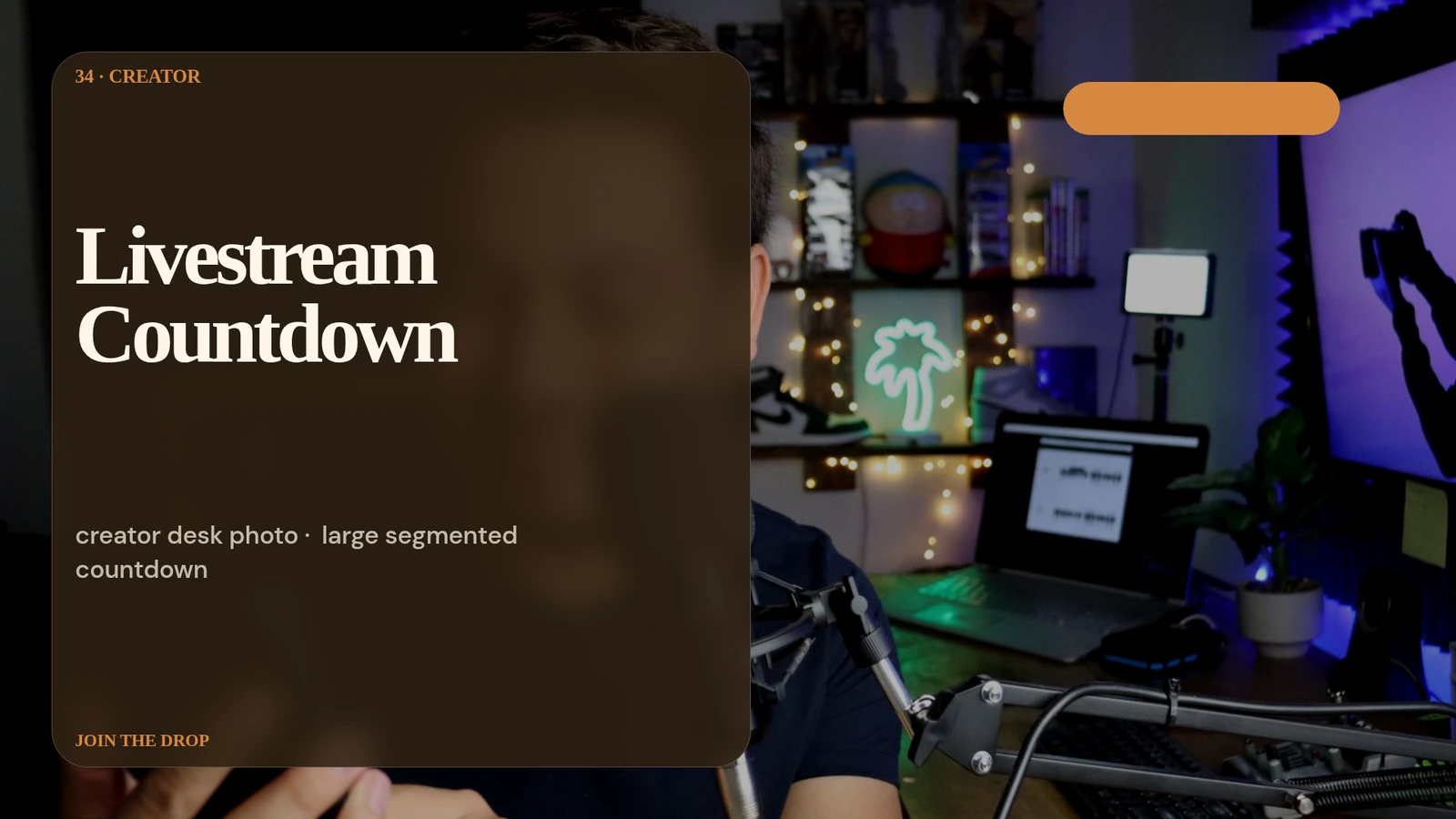
Livestream Countdown Card
Open this example: Livestream Countdown Card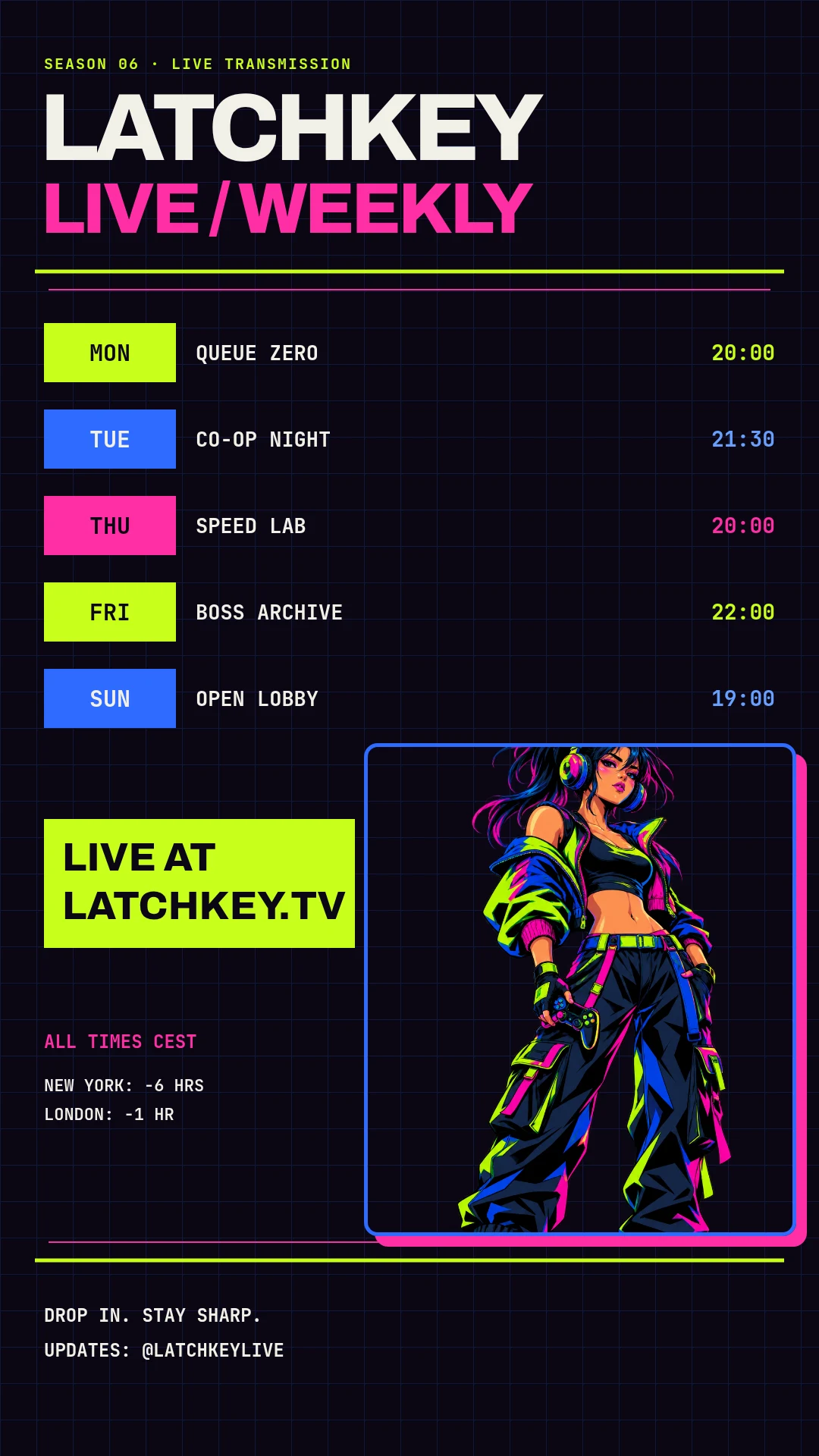
Latchkey live schedule
Open this example: Latchkey live schedule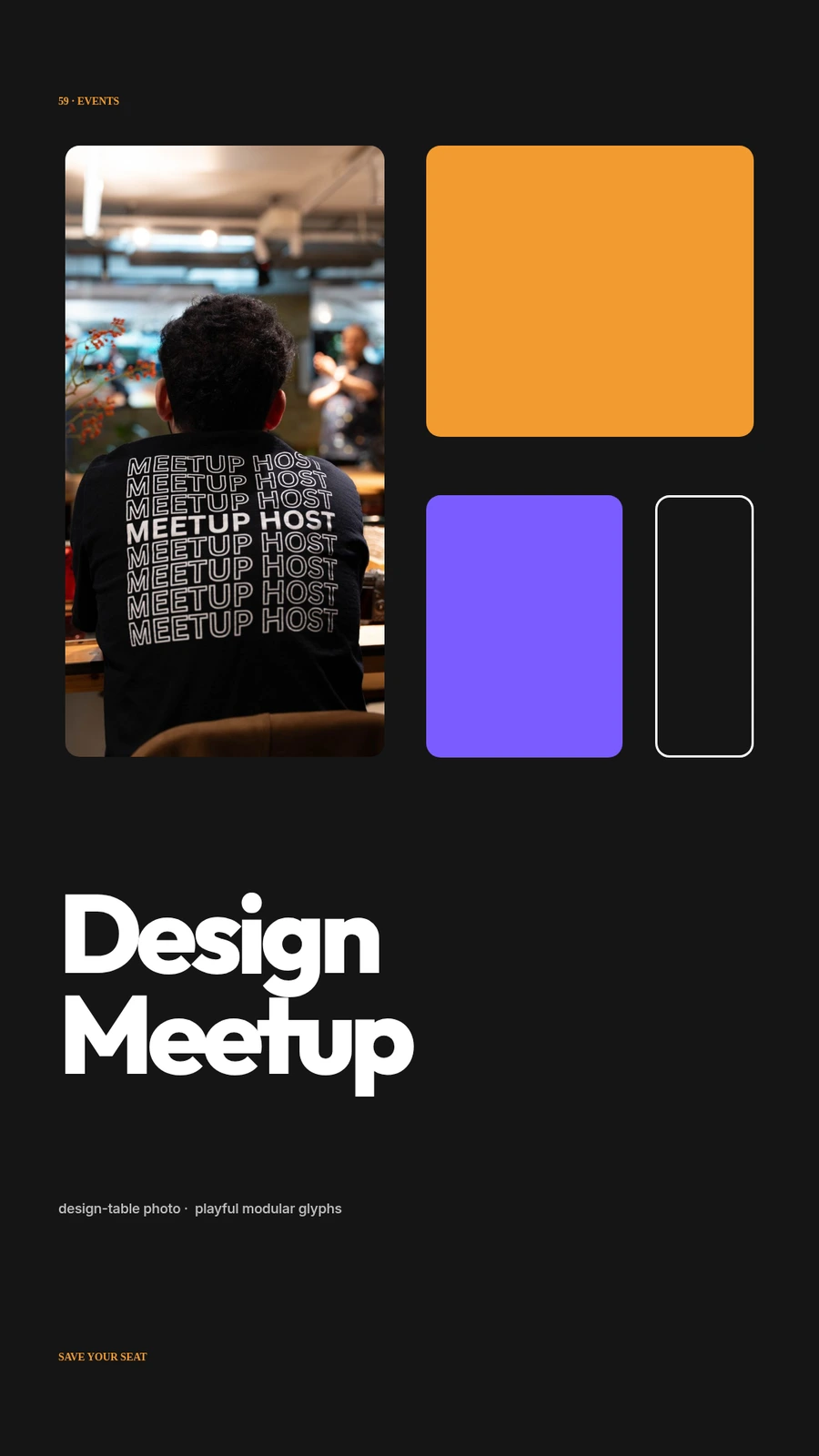
Design Meetup Story
Open this example: Design Meetup StoryChoose the lead format.Publish the series.
- Step 1
Choose the lead format
Build the strongest version for the feed where the idea lives first.
- Step 2
Adapt the layout
Reframe layout, captions and pacing for each destination.
- Step 3
Publish the series
Keep the brand look while episode media and copy change.
What you can make.
- Reels and Shorts
- Social image series
- Captioned content clips
Before you start.The questions we hear most.
Can we start without an API integration?
Yes. Start visually in Studio and add templates or automation after the format proves useful.
Can the team still change automated projects?
Yes. The same structured project opens in Studio, where layers, timing, media and variables remain editable.
Can AI help without flattening the result?
Yes. AI Director works with normal project layers and reviewable versions.