
Explain the product.Ship the campaign around it.
Build launch videos, product graphics, investor updates and social content without stitching together a different tool for every output.
Get a strong first video.Keep it useful after launch.
JsonCut gives small teams an editable creative workspace that can grow into automation without an early infrastructure project.
Start before the full team exists
Use presets and AI Director to reach an editable first draft quickly.
Show the actual product
Mix screen media, interface motion and clear narrative structure.
Reuse after launch
Turn recurring announcements, updates and campaigns into templates only when needed.
Made in JsonCut.Open one to see the project behind it.
Every title, clip and caption in these is still a layer. Open the project and change whatever you like.
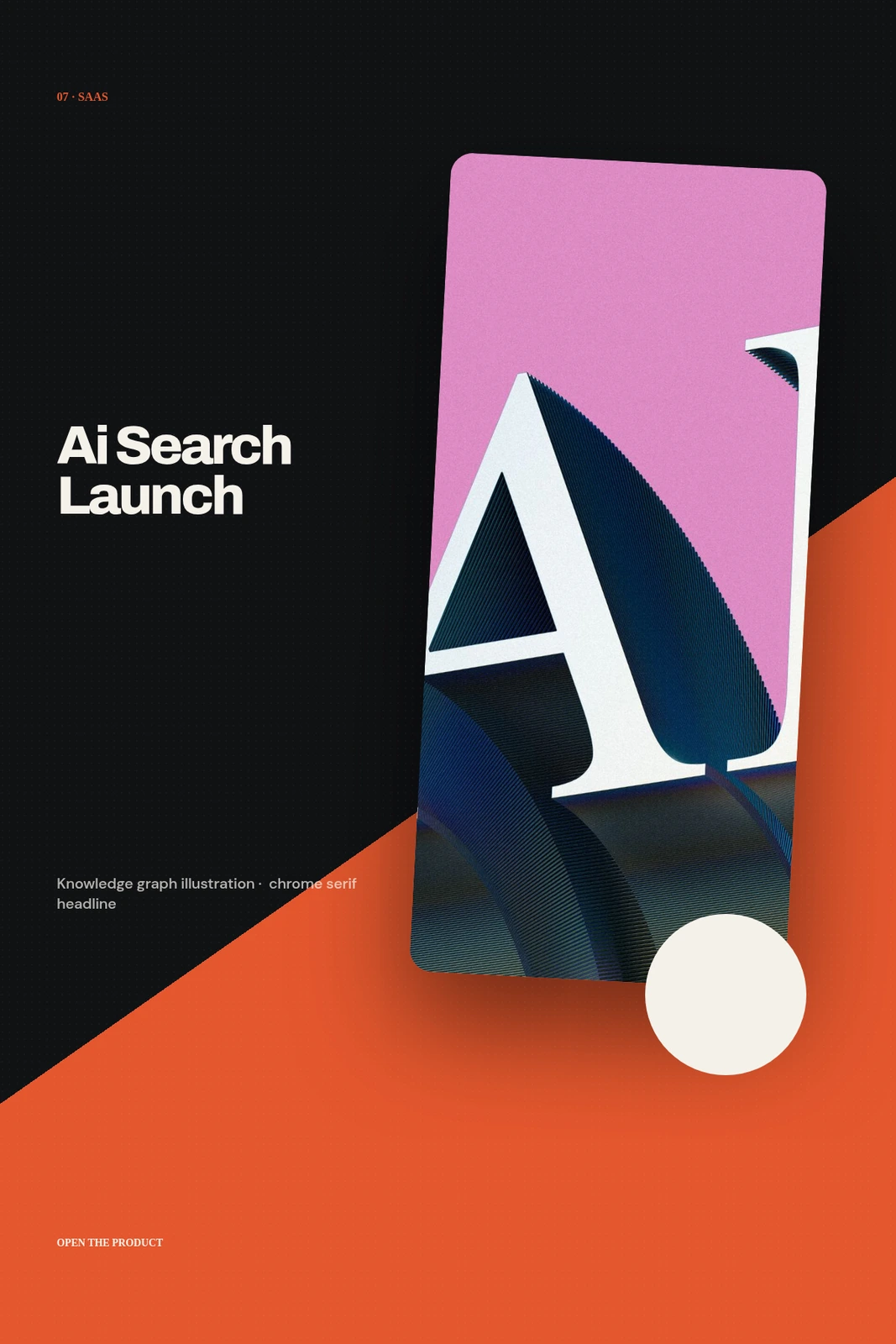
AI Search Launch Poster
Open this example: AI Search Launch PosterRunway Field Notes · Quiet Failure
Open this example: Runway Field Notes · Quiet Failure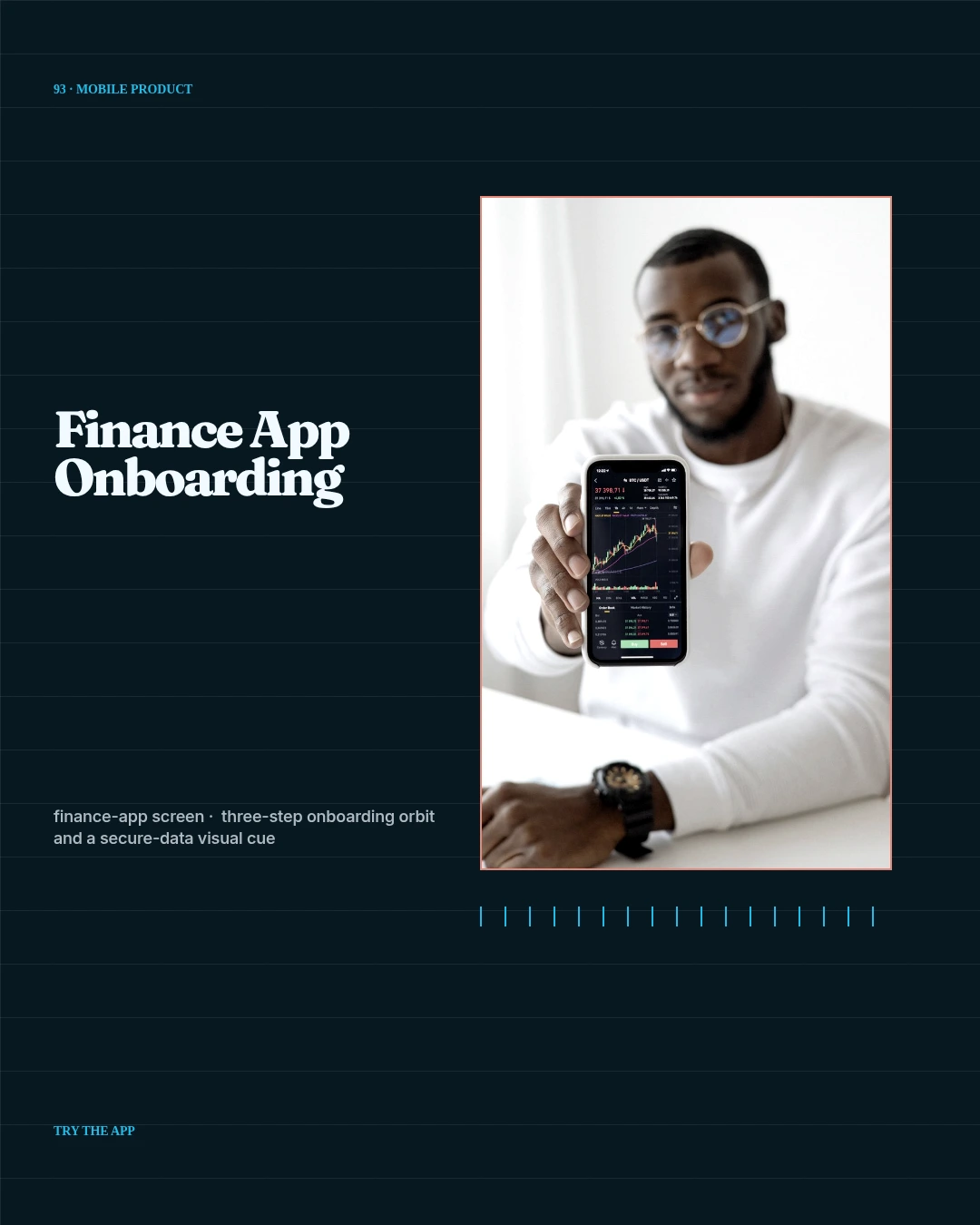
Finance App Onboarding
Open this example: Finance App OnboardingExplain the value.Reuse what repeats.
- Step 1
Explain the value
Turn the product and its clearest outcome into a focused story.
- Step 2
Make the launch set
Produce the demo, social posts and graphics in one workspace.
- Step 3
Reuse what repeats
Turn updates and announcements into templates once they recur.
What you can make.
- Launch campaigns
- Product explainers
- Investor and update media
Before you start.The questions we hear most.
Can we start without an API integration?
Yes. Start visually in Studio and add templates or automation after the format proves useful.
Can the team still change automated projects?
Yes. The same structured project opens in Studio, where layers, timing, media and variables remain editable.
Can AI help without flattening the result?
Yes. AI Director works with normal project layers and reviewable versions.