
Create local campaigns.Keep the brand recognizable.
Build offers, service explainers, events and social media from real local media, reusable details and a consistent visual system.
Your place, your people.A new offer every week.
JsonCut gives local teams and their agencies an accessible editor with an automation path for recurring promotions.
Use real local media
Combine staff, location, service and product visuals instead of relying on generic stock alone.
Reuse recurring details
Bind location, offer, date and call-to-action fields to an approved design.
Create the campaign set
Produce social video, story formats and supporting image assets.
Made in JsonCut.Open one to see the project behind it.
Every title, clip and caption in these is still a layer. Open the project and change whatever you like.
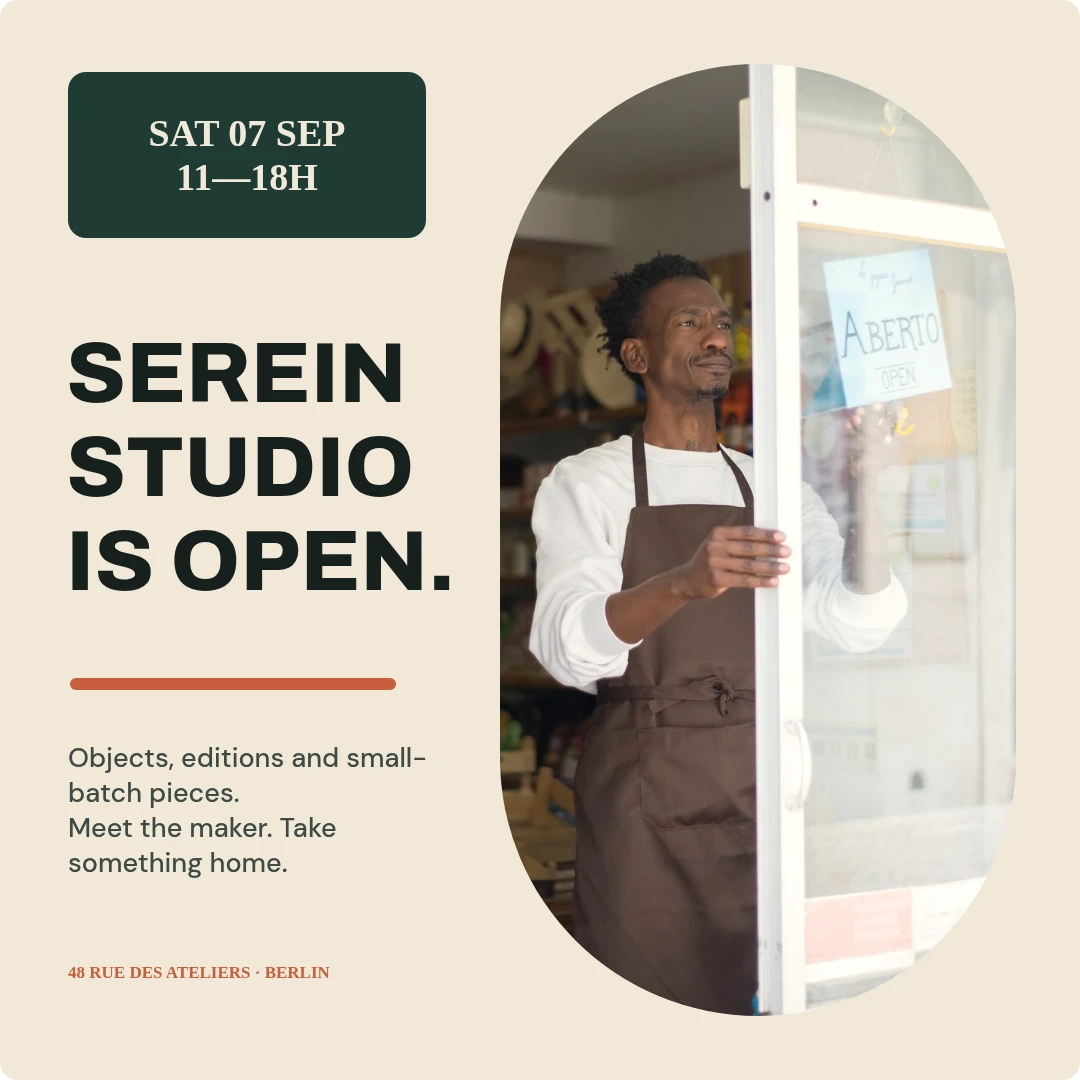
Serein Studio open day
Open this example: Serein Studio open day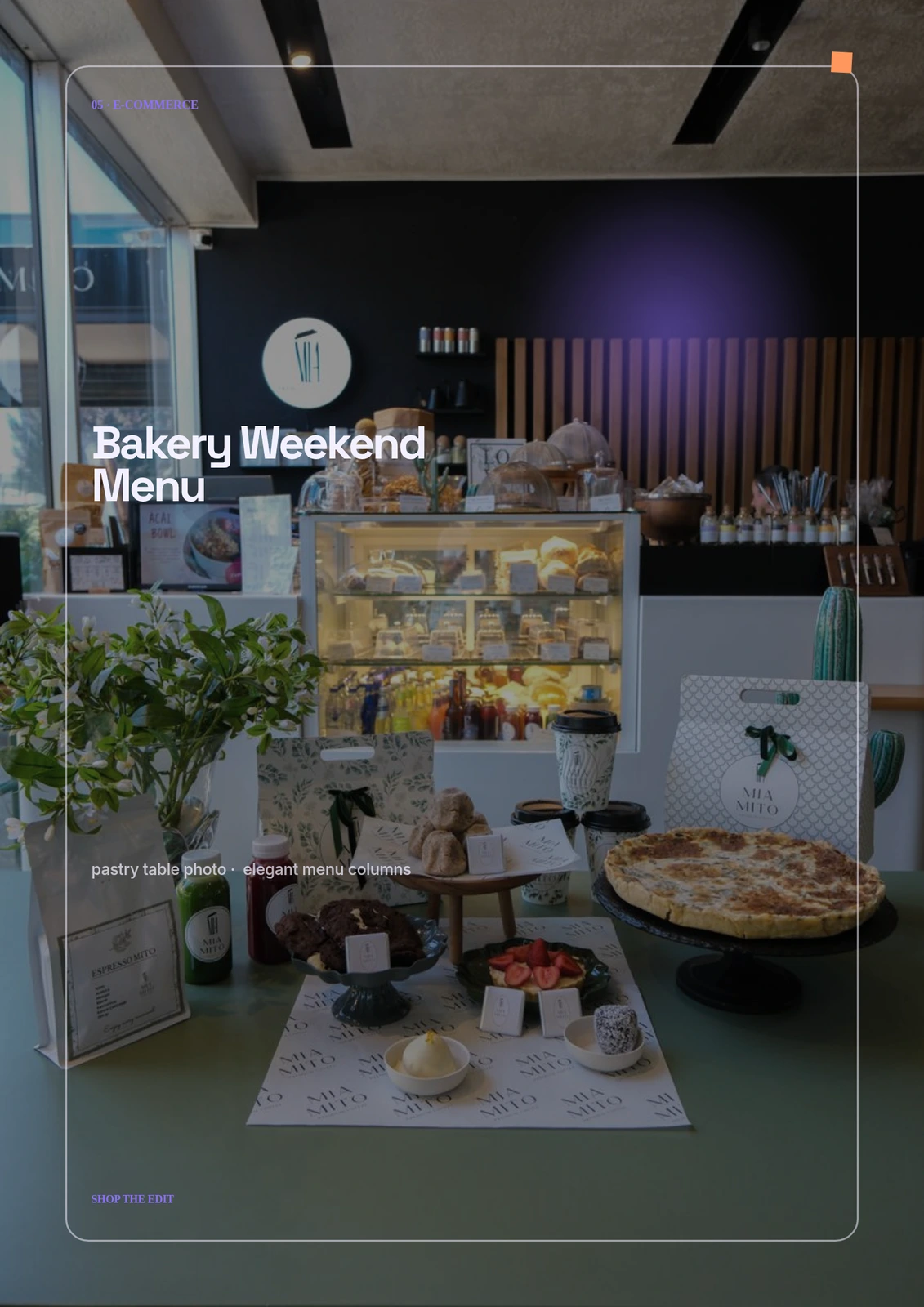
Bakery Weekend Menu
Open this example: Bakery Weekend Menu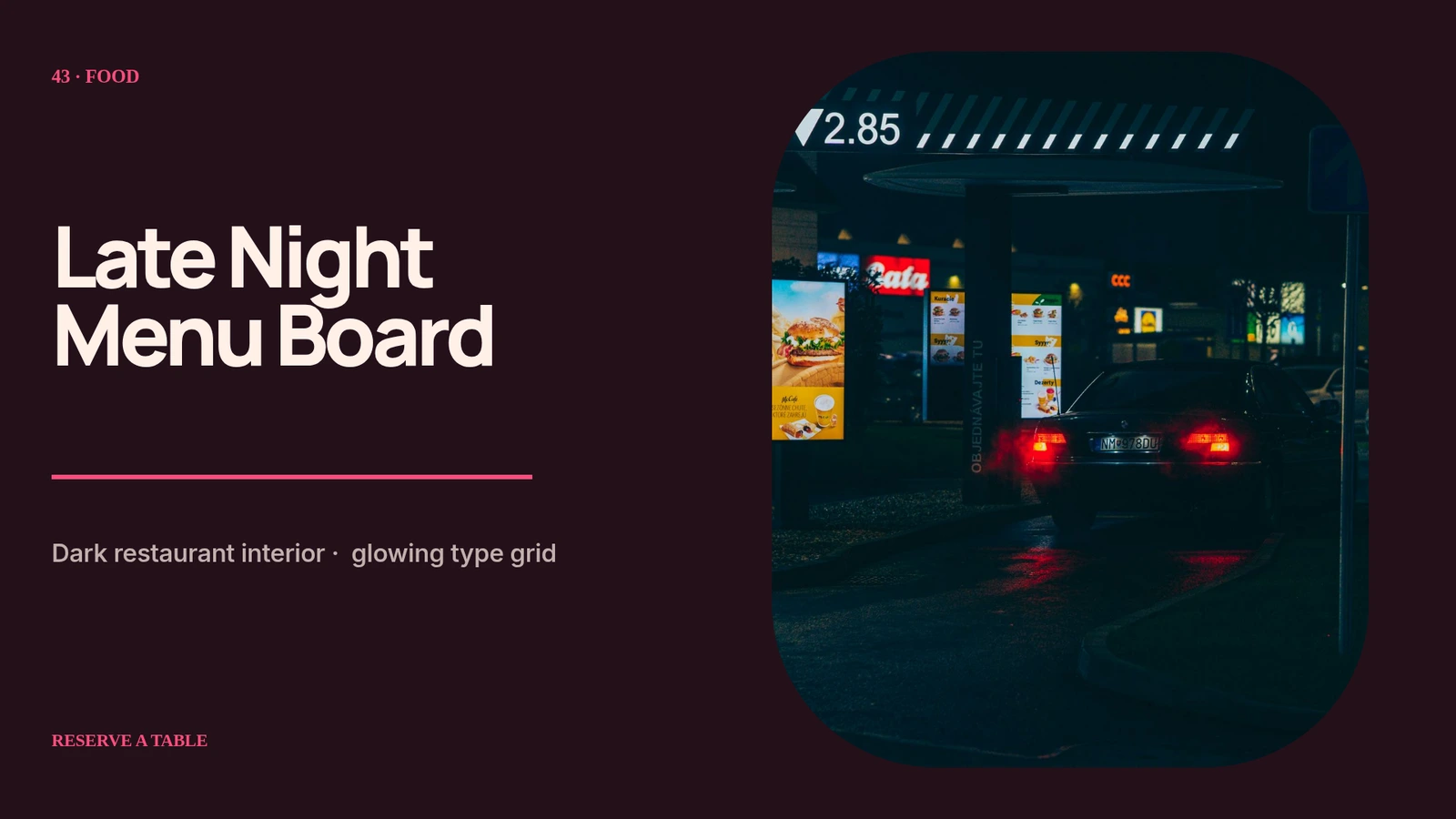
Late Night Menu Board
Open this example: Late Night Menu BoardStart from the team goal.Reuse the right parts.
- Step 1
Start from the team goal
Choose the output and channel before deciding how much automation the workflow needs.
- Step 2
Build one approved source
Create visually or with AI and keep brand, media, motion and review in the same project.
- Step 3
Reuse the right parts
Export directly or expose inputs for repeatable work across campaigns, customers and channels.
What you can make.
- Seasonal offer campaigns
- Service explainers
- Local event media
Before you start.The questions we hear most.
Can we start without an API integration?
Yes. Start visually in Studio and add templates or automation after the format proves useful.
Can the team still change automated projects?
Yes. The same structured project opens in Studio, where layers, timing, media and variables remain editable.
Can AI help without flattening the result?
Yes. AI Director works with normal project layers and reviewable versions.