
Project source and canvas
Define the image or video canvas, duration, safe areas and portable HTML-first source envelope.
Every V2 project begins with the same small envelope. Images use compositionKind: "image", fps: 1 and duration: 1; videos use a real frame rate and fractional duration in seconds.
API reference cover
A layered still image rendered from the same project contract used by video.
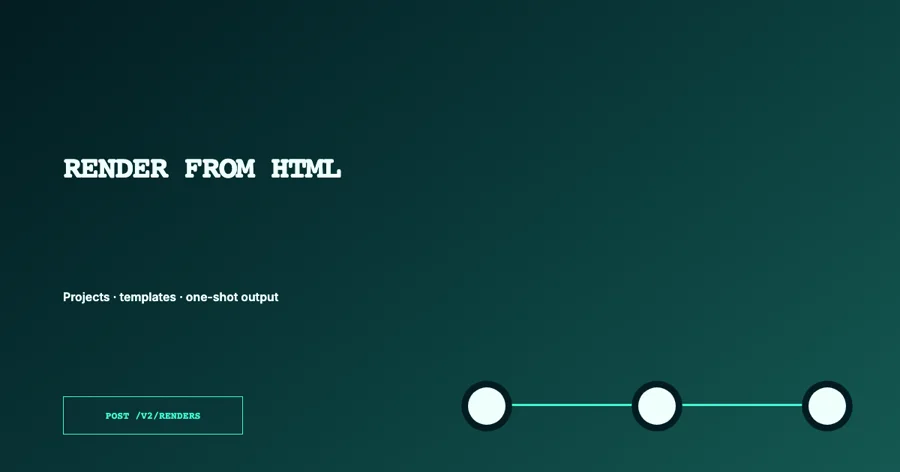
Minimal image source
{
  "format": "jsoncut-html",
  "version": 1,
  "id": "api-reference-cover",
  "name": "API reference cover",
  "compositionKind": "image",
  "canvasBackground": "#031c21ff",
  "width": 1200,
  "height": 630,
  "fps": 1,
  "duration": 1,
  "html": "<div id=\"headline\" data-jc-clip data-jc-kind=\"text\" data-jc-start=\"0\" data-jc-duration=\"1\" data-jc-track=\"1\">RENDER FROM HTML</div>",
  "css": "#headline{position:absolute;left:72px;top:210px;width:780px;color:#effffb;font:800 76px/1 Inter,sans-serif}",
  "variables": [],
  "values": {},
  "customBlocks": []
}
Canvas fields
| Field | Contract |
|---|---|
compositionKind | image or video |
width, height | Positive integers; standard render safety allows up to 3840 × 2160 (per page in carousels) |
fps | Positive integer up to 60 for render-safe video; images use exactly 1 |
duration | Decimal seconds; images use exactly 1 |
canvasBackground | CSS color (hex up to eight digits, rgb()/rgba(), hsl()/hsla()) or transparent; defaults to transparent for images and #000000 for videos |
safeArea | Optional non-rendering pixel insets {top,right,bottom,left} |
aspectVariants | Up to 12 named alternate canvases |
pageCount | Image carousels: 1–50 pages side by side; width is page width × pages and must divide evenly by pageCount |
pageRepeat | Image carousels: {page, variableId} repeats one 1-based page for every item of a text-list variable |
Safe areas and aspect variants
{
  "safeArea": { "top": 72, "right": 64, "bottom": 96, "left": 64 },
  "aspectVariants": [
    {
      "id": "vertical",
      "label": "Vertical 9:16",
      "width": 1080,
      "height": 1920,
      "safeArea": { "top": 180, "right": 72, "bottom": 280, "left": 72 }
    }
  ]
}
Safe areas are editor guides and never appear in exports. Aspect variants change the output canvas, not the stored hierarchy, so review text wrapping and crop for every published variant.
Carousels
An image project with pageCount is one continuous canvas cut into pages on export. Page n covers
x from (n − 1) × width / pageCount. Layers may run across pages for continuous designs; keep text on
one page. With pageRepeat, text bound to item shows the list entry and text bound to index its
1-based number on every repeated page. Render with kind: "image": the whole canvas by default,
page for one page, pages: "separate" for a ZIP of page images, or format: "pdf" for a multi-page PDF.
{
  "compositionKind": "image",
  "width": 3240,
  "height": 1350,
  "pageCount": 3,
  "pageRepeat": { "page": 2, "variableId": "tips" }
}
Structural and render-safe limits
Structural validation checks that dimensions, frame rate and duration are positive and that the source is internally consistent. Before a render, the standard safety profile additionally enforces integer dimensions up to 3840 × 2160, integer FPS up to 60, duration up to 3600 seconds (your plan can set a shorter maximum per render), at most 800 editable clips, at most 250 variables and at most 5 MiB of combined HTML, CSS and custom-block source.
Named aspect variants are design metadata and allow 64 to 8192 pixels per axis. They do not increase the render limit of the active output canvas.